
QLMarkdown
macOS Quick Look extension for Markdown files
Overview
QLMarkdown is a premier, feature-rich macOS Quick Look extension dedicated to high-fidelity Markdown previews right inside Finder. Built in Swift on top of cmark-gfm, QLMarkdown supports MathJax LaTeX formulas, live Mermaid diagrams, YAML frontmatter headers, Emoji shortcodes, syntax-highlighted code fences, custom CSS themes, and CLI/Shortcuts HTML conversion.
How It Works
QLMarkdown operates through structured, deterministic execution stages:
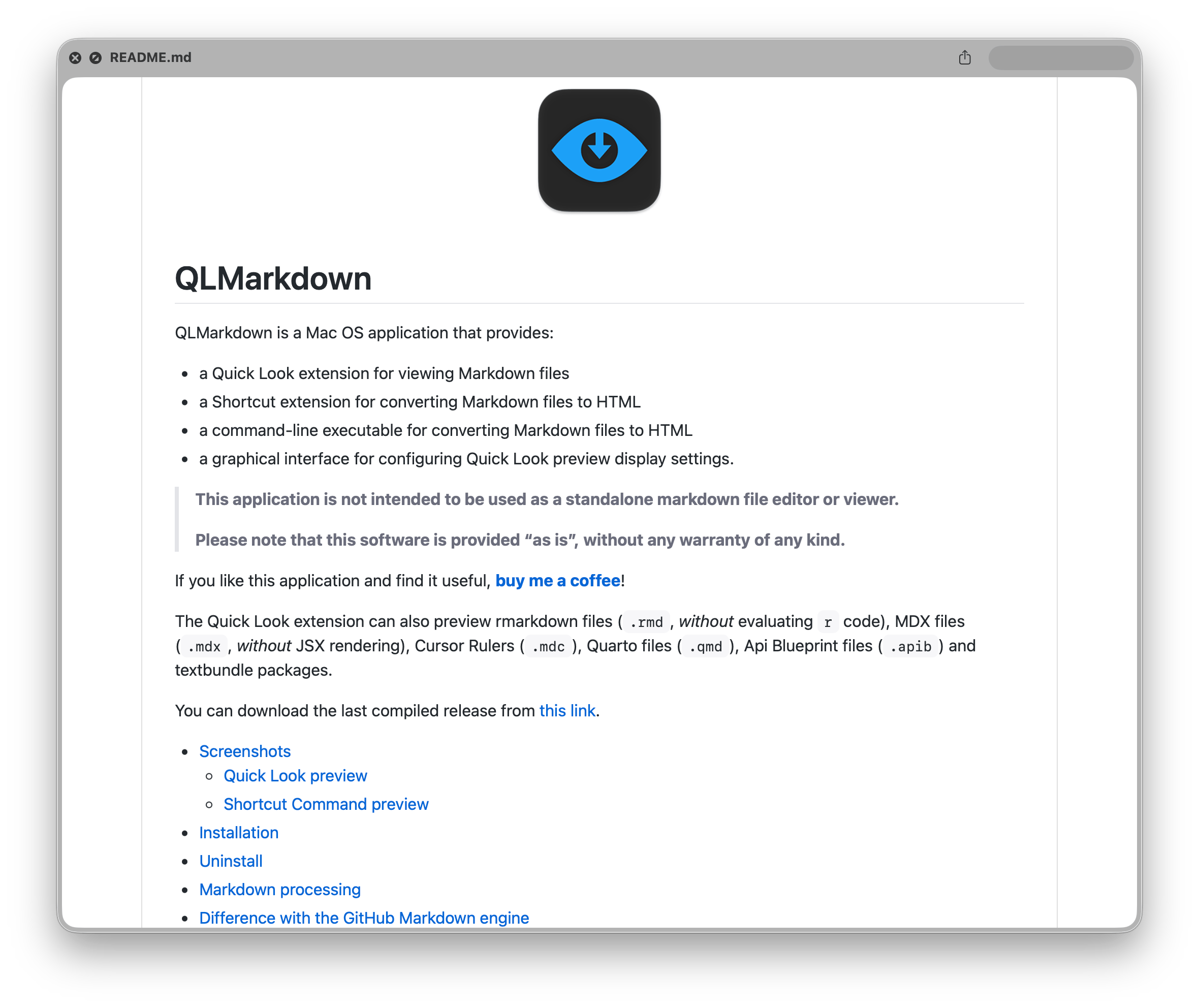
QLMarkdown macOS Quick Look preview rendering Markdown, tables, and equations
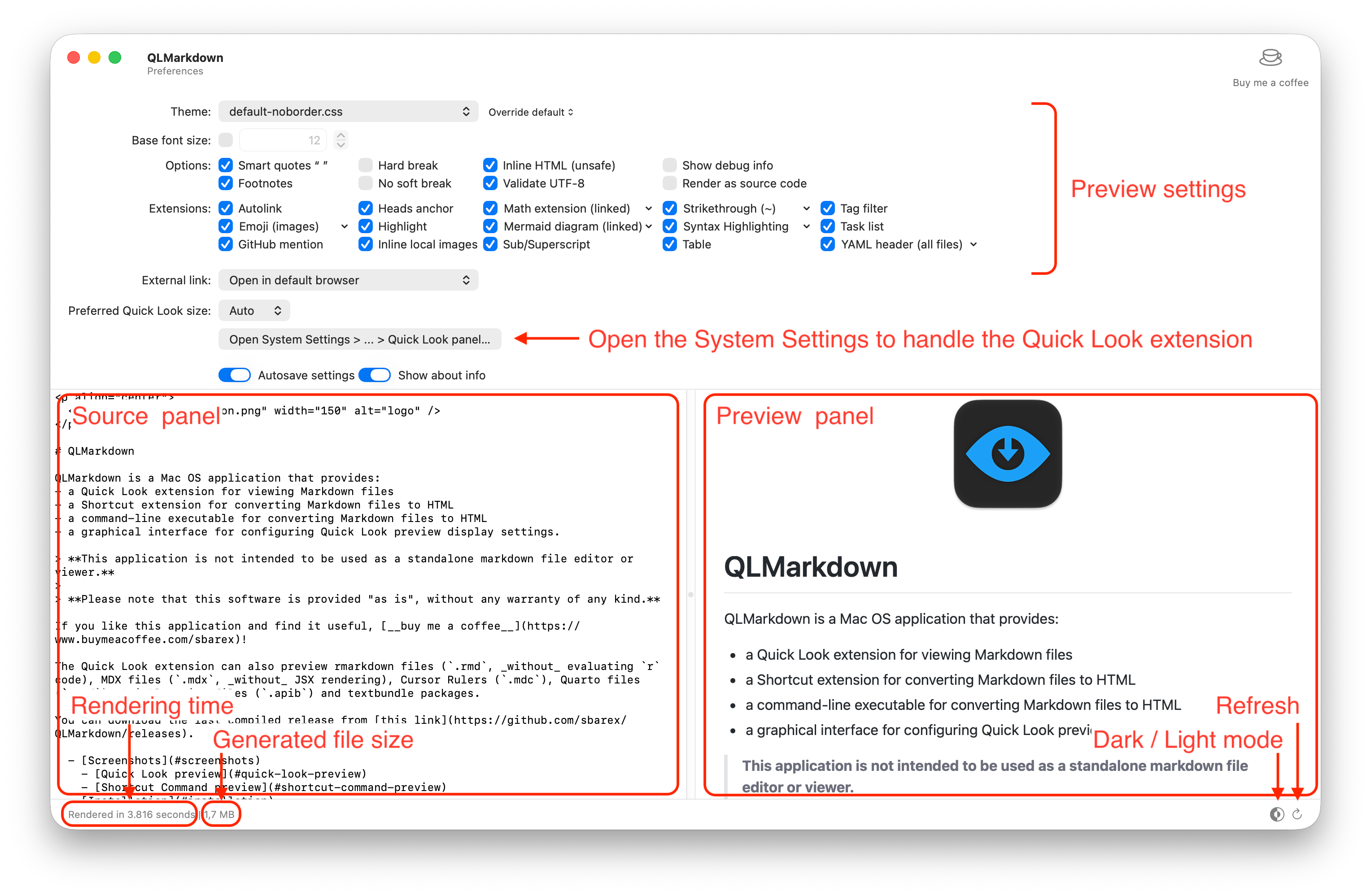
QLMarkdown settings interface for customization and extensions
Key Technical Features & Capabilities
qlmarkdown_cli) or native Shortcuts actions.Architecture & Technology Stack
cmark-gfm Engine), JavaScript (Mermaid & MathJax)WKWebView), AppIntents / Shortcuts.md, .rmd, .mdx, .qmd, .mdc, .apib, .textbundle, .mermaidSystem Requirements
| Specification | Minimum Requirement | Recommended Specification |
|---|---|---|
| Operating System | macOS 12.0+ (Universal Apple Silicon & Intel) | Latest stable release build |
| Processor Architecture | 4-Core x86_64 or Apple Silicon M1 | 8-Core Apple Silicon / Core i7+ |
| Memory (RAM) | 4 GB Unified Memory | 16 GB+ High-Speed RAM |
| Disk Space | 1 GB free SSD storage | 5 GB+ free SSD storage |
Installation & Setup Guide
macOS Installation
brew install --cask qlmarkdown
Or download QLMarkdown.zip from CookApps, extract QLMarkdown.app to /Applications, launch once, and enable QLMarkdown Extension under System Settings › Extensions › Quick Look.
Building from Source
git clone --recursive https://github.com/sbarex/QLMarkdown.git
cd QLMarkdown
open QLMarkdown.xcodeproj
How to Use & Workflow
QLMarkdown.app once and verify its extension switch in System Settings..md, .mdx, or .qmd file in Finder and hit Spacebar.Troubleshooting & Common Issues
.textbundle packages.How to Use & Getting Started
Ready to run QLMarkdown?
100% Free & Open-Source native desktop software. Star the repository to support development.