4.9
Cork
NO AI] Fast GUI for Homebrew written in SwiftUI
SHARE
Screenshots (6)
Screenshot 1 of 6
Overview
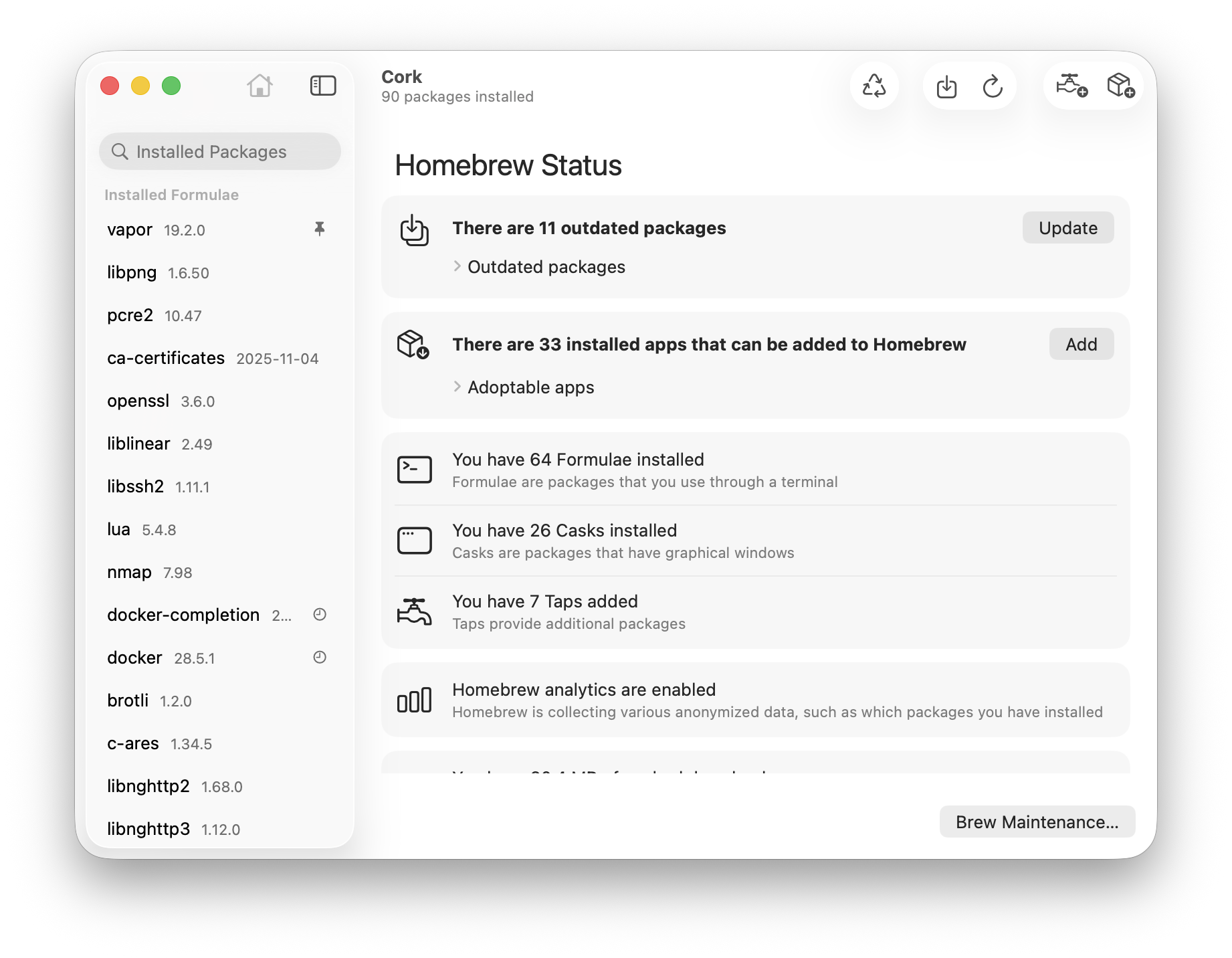
Cork is a blazing-fast, human-crafted SwiftUI GUI for Homebrew on macOS. Engineered with zero AI-generated boilerplate, Cork dramatically accelerates Homebrew package discovery, tap management, menu bar update alerts, cached archive cleanup, and proxy-aware formula installations while keeping 100% parity with your local Brew prefix.
How It Works
Cork operates through structured, deterministic execution stages:
Native SwiftUI Homebrew Control Center: Queries local Homebrew formula, cask, and tap metadata roughly 10x faster than spawning repeated interactive CLI sessions.
Menu Bar Background Updater: Polls outdated formulae silently and presents a one-click update menu item directly in the macOS menu bar.
Proxy Awareness & Disk Maintenance: Respects system HTTP/SOCKS proxy settings natively and prunes orphaned package caches and broken dependencies safely.
Package Tagging & Tap Explorer: Pins critical tools into tracked tags and exposes detailed installation locations, versions, and dependency trees.
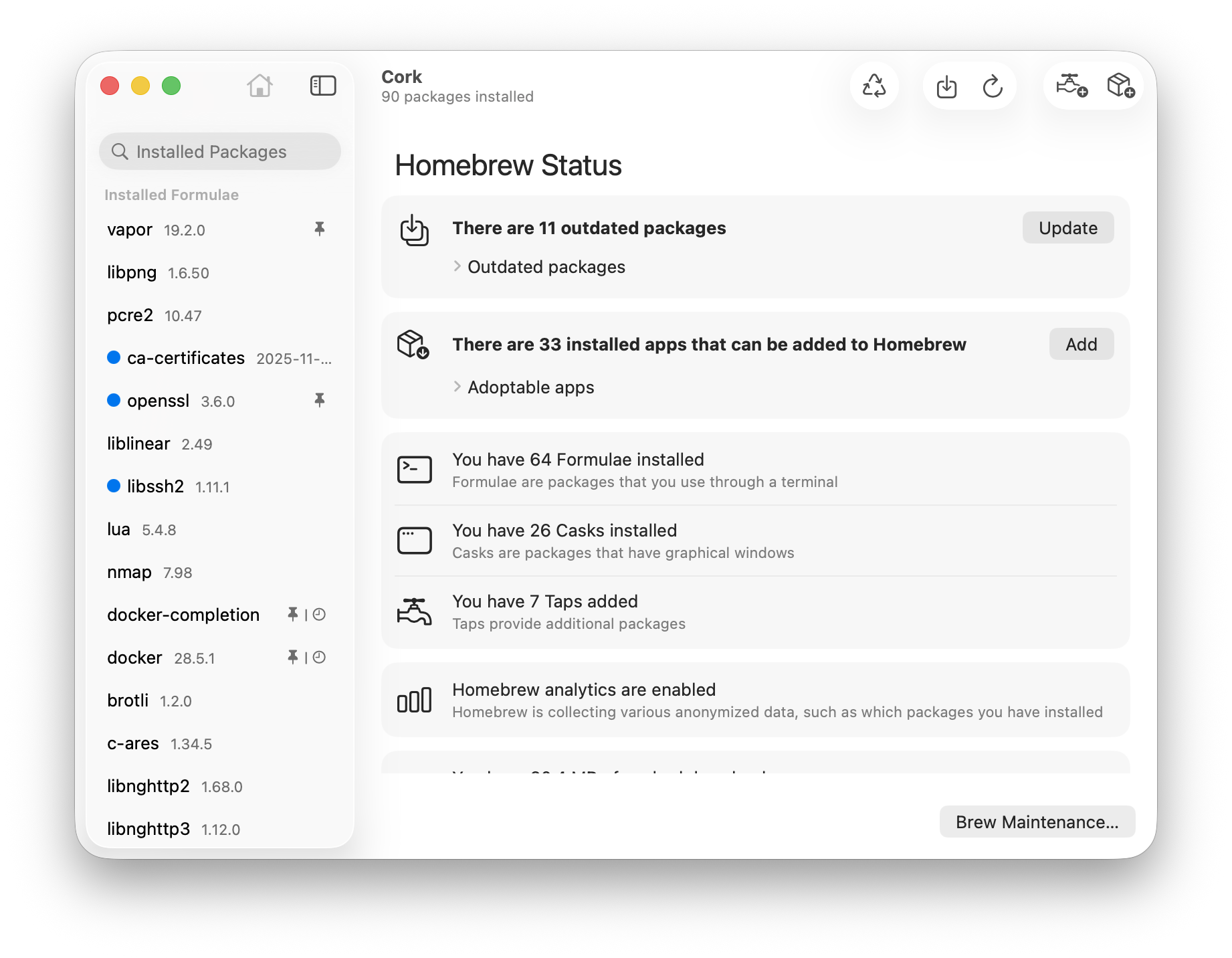
Cork fast native SwiftUI Homebrew GUI dashboard
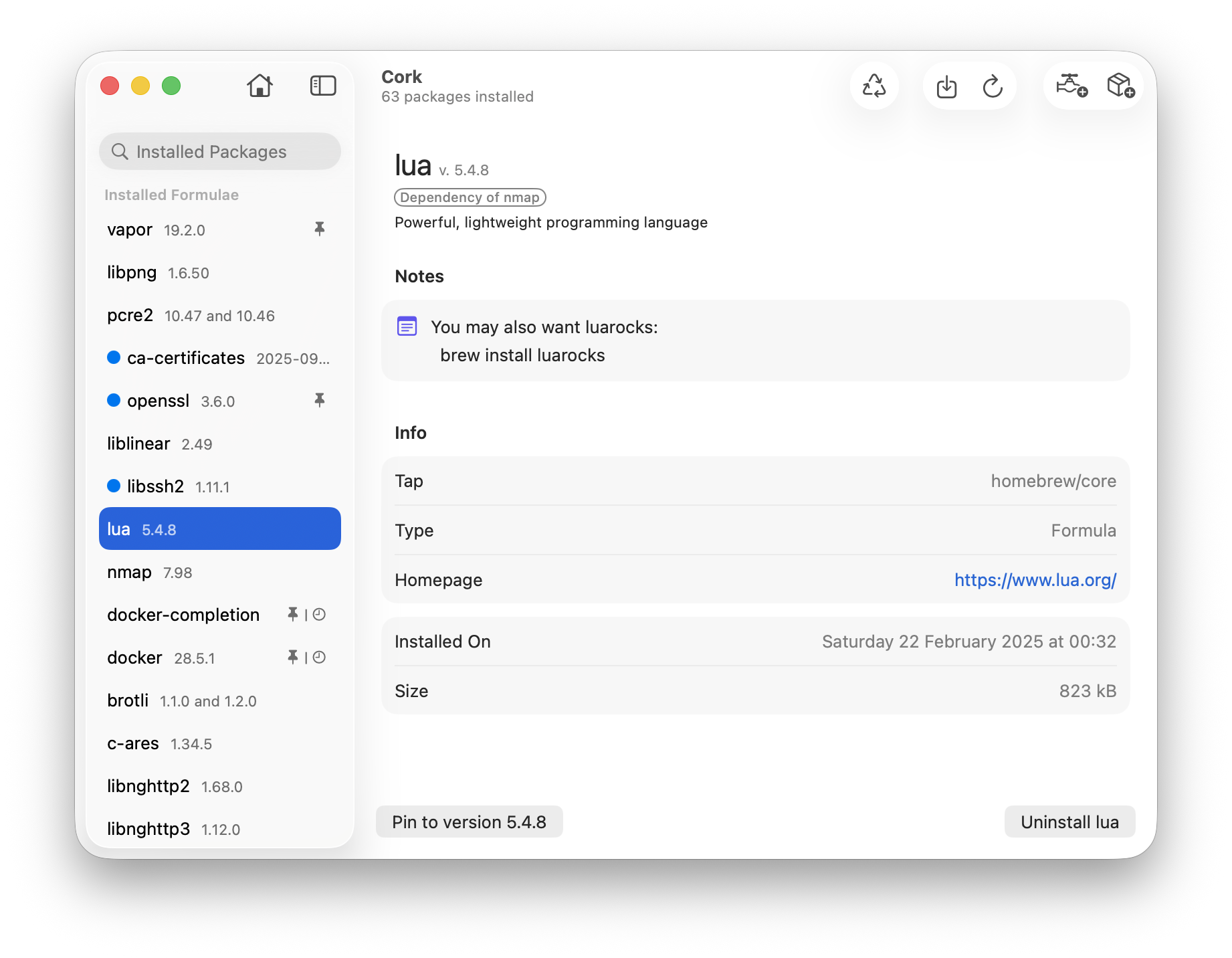
Cork detailed package dependency and installation inspector
Key Technical Features & Capabilities
10x Faster Package Loading: Parses local Cellar and Caskroom directories directly in Swift instead of invoking sluggish monolithic CLI commands.
Menu Bar Background Updates: Monitors outdated formulae/casks quietly and lets you update installed software directly from the menu bar.
Automatic Proxy & Maintenance Utilities: Automatically honors macOS system network proxies and removes orphaned Homebrew caches and broken dependencies cleanly.
Package Tagging & Detailed Info Inspector: Flags favorite packages, surfaces installation dates, license terms, and exact dependency graphs in one window.
Architecture & Technology Stack
Primary Languages: Swift
Frameworks & UI: SwiftUI, AppKit, Combine, OSLog
Ecosystem Target: Homebrew (
/opt/homebrew Apple Silicon / /usr/local Intel)Supported Platforms: macOS 13 Ventura or later (Universal Apple Silicon & Intel)
System Requirements
| Specification | Minimum Requirement | Recommended Specification |
|---|---|---|
| Operating System | macOS 13.0+ (Apple Silicon & Intel) | Latest stable release build |
| Processor Architecture | 4-Core x86_64 or Apple Silicon M1 | 8-Core Apple Silicon / Core i7+ |
| Memory (RAM) | 4 GB Unified Memory | 16 GB+ High-Speed RAM |
| Disk Space | 1 GB free SSD storage | 5 GB+ free SSD storage |
Installation & Setup Guide
macOS Installation
1
Download
Cork.zip from CookApps or install via Homebrew: brew install --cask cork.2
Drag
Cork.app into /Applications and ensure Homebrew is installed in /opt/homebrew or /usr/local.Building from Source
bash
git clone https://github.com/buresdv/Cork.git
cd Cork
open Cork.xcodeproj
How to Use & Workflow
1
Scan Installed Packages: Launch Cork to index existing Homebrew formulae, casks, and active Taps instantaneously.
2
Search & Install: Press
⌘F or click + to search Brew repositories and inspect full package caveats before installing.3
Run Brew Maintenance: Trigger cache cleanup, autoremove, and health checks from the Maintenance sheet to recover gigabytes of SSD space.
Troubleshooting & Common Issues
Issue: Self-compiled source build asks for Homebrew authorization or entitlements.
*Cause*: Running Cork outside the signed release requires configuring your own Xcode signing certificate or using the verified binary.
*Resolution*: Sign the target with your personal Apple ID Development team in Xcode or run the official
Cork.zip release package.How to Use & Getting Started
## Installation & Setup Guide
### macOS Installation
1. Download `Cork.zip` from CookApps or install via Homebrew: `brew install --cask cork`.
2. Drag `Cork.app` into `/Applications` and ensure Homebrew is installed in `/opt/homebrew` or `/usr/local`.
### Building from Source
```bash
git clone https://github.com/buresdv/Cork.git
cd Cork
open Cork.xcodeproj
```
Ready to run Cork?
100% Free & Open-Source native desktop software. Star the repository to support development.