Overview
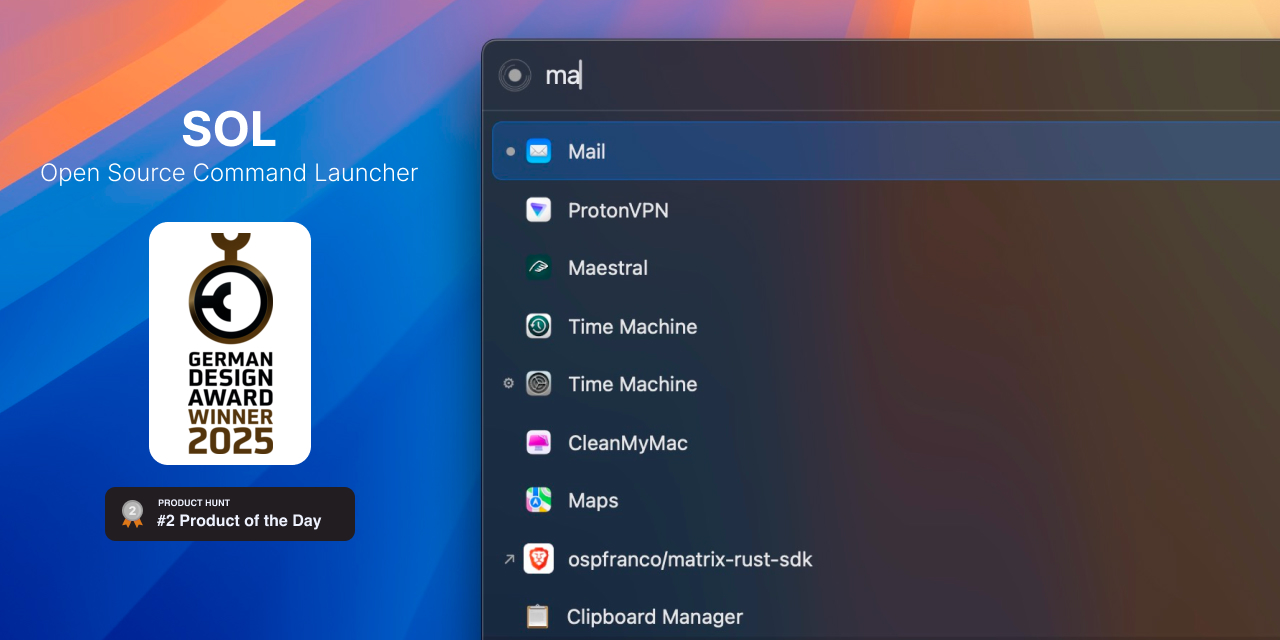
Sol is an open-source, ultra-responsive macOS application launcher and command palette focused on speed, simplicity, and keyboard ergonomics. Written natively in Swift and React Native macOS, Sol integrates global app launching, searchable clipboard history, window tiling, inline calculations, scratchpad notes, and upcoming calendar triggers cleanly without bloated plugin layers.
How It Works
Sol operates through structured, deterministic execution stages:
Key Technical Features & Capabilities
Architecture & Technology Stack
System Requirements
| Specification | Minimum Requirement | Recommended Specification |
|---|---|---|
| Operating System | macOS 12.0+ (Apple Silicon & Intel) | Latest stable release build |
| Processor Architecture | 4-Core x86_64 or Apple Silicon M1 | 8-Core Apple Silicon / Core i7+ |
| Memory (RAM) | 4 GB Unified Memory | 16 GB+ High-Speed RAM |
| Disk Space | 1 GB free SSD storage | 5 GB+ free SSD storage |
Installation & Setup Guide
macOS Installation
brew install --cask sol
Sol.app into /Applications and bind your preferred activation hotkey (e.g. ⌘ + Space or ⌥ + Space).Building from Source
git clone https://github.com/ospfranco/sol.git
cd sol
yarn install
cd macos && pod install && cd ..
yarn dev
How to Use & Workflow
Troubleshooting & Common Issues
⌘+Space conflict with native macOS Spotlight.**⌘+Space to Apple Spotlight.⌥+Space to Sol.Sol.app inside System Settings › Privacy & Security › Accessibility.How to Use & Getting Started
Ready to run Sol?
100% Free & Open-Source native desktop software. Star the repository to support development.
More in productivity
View all productivity apps →
Pomotroid
tomato: Simple and visually-pleasing Pomodoro timer

Nether
Nether - Self-hostable and local-first note taking app combining both Notion and Obsidian features. You can import your Obsidian vaults and Notion exports. Self-hosting is available for enterprise.
IDX
IDX - Analyze the Indonesian stock market (IDX/IHSG) from web terminal, CLI, or any AI agents via MCP server. IHSG Prices, Fundamentals, and Screening. Free and No API keys required.